

Cut-and-Sew Corporate Uniforms: From Brief to Sample
A practical custom cut-and-sew uniform workflow covering measurements, fabric, panel designs, sampling and production sign-off.
Ready-made shirts are efficient when an existing colour and cut already meets the brief. A cut-and-sew uniform becomes useful when a team needs particular panel lines, pocket positions, sleeve shapes or a more controlled visual identity. The trade-off is a more detailed design and approval process.
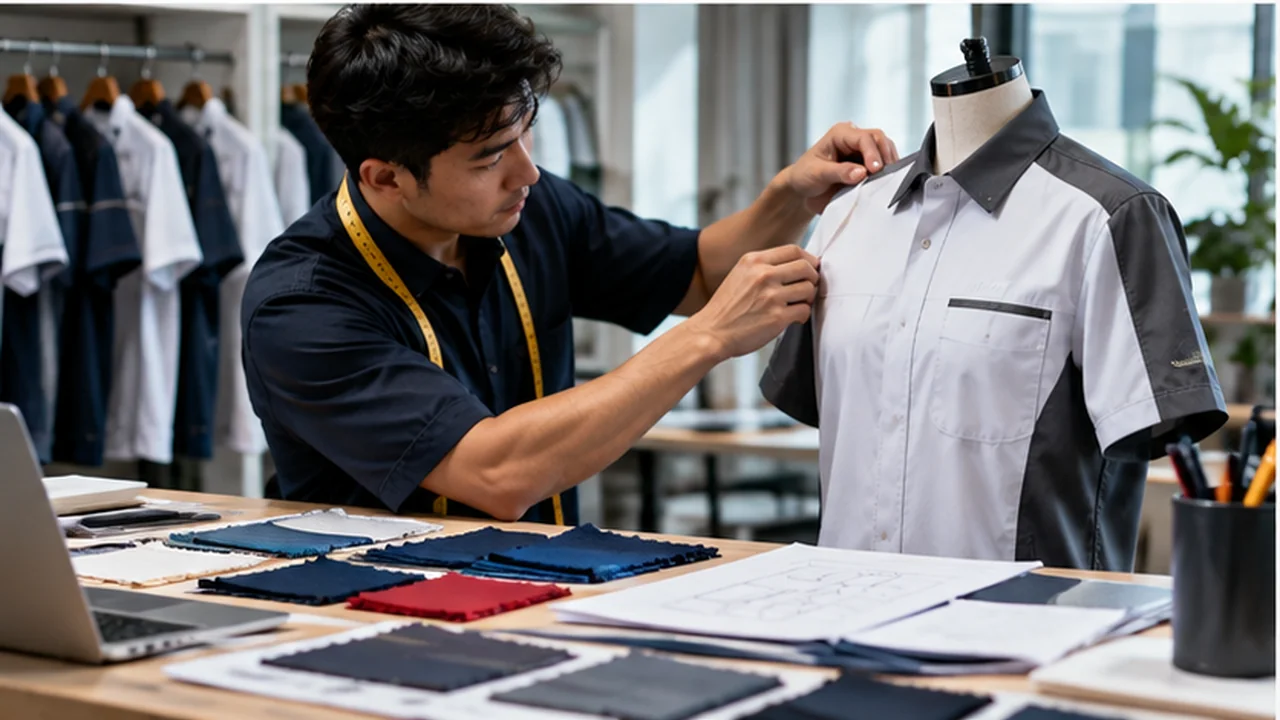
Write a functional brief before drawing panels
List departments, common movements, exposure to heat or rain, expected laundering and how employees carry items. A chest pocket, for example, can look useful in an illustration but interfere with a badge or embroidery. Decide whether the shirt must tuck in and whether staff require a longer hem.
Specify colour blocks and artwork only after those working details are agreed. This avoids approving a beautiful sketch that places decoration over a seam or high-friction area.
Decide which details justify custom construction
A custom collar, contrast placket or fabric side panel can communicate a brand identity. Too many changes add sampling complexity without necessarily improving the uniform. Choose two or three distinctive elements that have a purpose, then keep stitching and trim consistent.
Discuss fabric behaviour early. The same pattern shape can drape differently in woven corporate shirting, soft knit or technical polyester. A digital mock-up is a design reference, not proof of real-world fit.
Use the physical sample as the decision gate
Fit the sample on more than one body shape and test movement, pocket accessibility and seated comfort. Check the collar, armhole, shoulder seam, hem and how the embroidery or print sits on each panel. Ask who will sign off artwork and who will sign off fit.
Changes after sample approval should be recorded with a new revision number. Never assume that a colour change, logo enlargement or fabric substitution is harmless simply because the front view still looks similar.
Prepare a production-grade specification
A complete specification includes final artwork files, Pantone or fabric colour reference where applicable, graded size chart, trim details, logo locations, quantities by size, packing rules and required arrival date.
Keep a photographed and labelled master sample for subsequent reorder checks. Suppliers can then compare physical details rather than interpreting “same as last time” in different ways.
Quick comparison before placing an order
| Decision | What to consider | Approval check |
|---|---|---|
| Concept | Role, movement and design direction | Written use-case brief |
| Prototype | Fit, fabric, construction and logo | Signed-off sample and corrections |
| Production | Sizes, approval files, packing | Master specification and distribution list |
How JCP services fit this order
For product specifications and appropriate customisation, review the relevant JCP product or service page. Its process and product examples can help you prepare a clearer quotation request. Availability, method, minimum quantity and delivery should be confirmed for your exact destination and order rather than assumed from a general guide.
See SingaporeUniform’s website for the destination brand and its current information. To share the final requirement directly with JC Print & Office, use the official JCP contact page. This article is informational and does not imply an operational Singapore or Sarawak showroom.
Frequently asked questions
When is cut-and-sew worth considering?
When standard catalogue garments cannot deliver an important fit, panel or functional detail.
Can an existing shirt be a fit reference?
Yes, but supply measurements and identify what should change. A garment photo alone is insufficient.
Is digital artwork enough for bulk approval?
A sample is preferable when new patterns, panels or fabric combinations are involved.
Illustrative AI-generated imagery. Service/product information cross-checked against publicly retrievable JCP pages on 21 October 2026. Images are local ZIP assets; live media URLs shown in HTML are placeholders until upload. Website domains shown above require site-side validation.