

Business Card Finishes for Branded Frontline Teams
Choose matte, gloss, textured or foil-finished name cards for sales and service teams without sacrificing readability and repeat-order consistency.
Printed business cards still have a role when sales representatives, account managers and service advisers meet customers in person. A coordinated business card can reinforce a uniform and brand system, but the finish should support everyday usability rather than distract from essential contact details.
Fix the information before selecting finishes
Confirm each employee’s displayed name, role, phone format, email and company address. Use one approved template and allow enough space for roles that are longer than average. QR codes may be helpful, but the essential phone or web information should not disappear into an unreadably small code.
Keep a single spreadsheet for personalisation. Multiple email attachments with different versions of job titles are a common source of costly reprints.
Choose a finish according to the setting
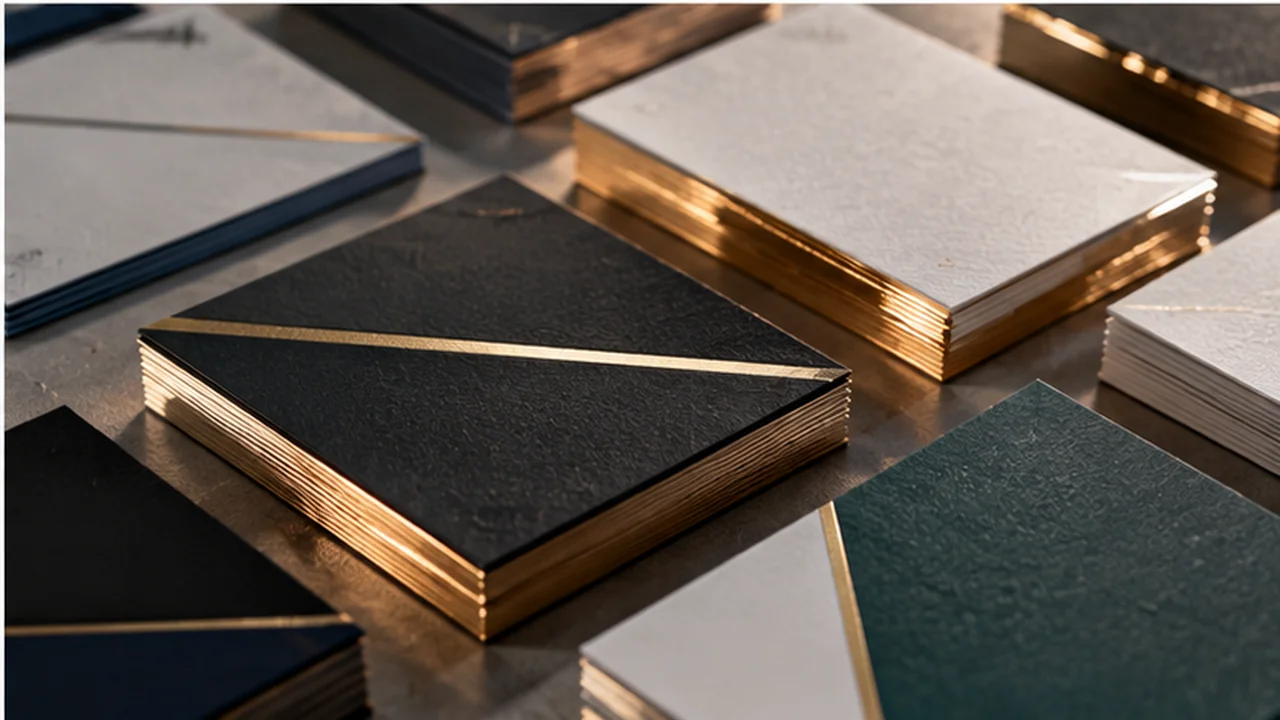
Matte lamination reduces glare under bright office light, while gloss can add punch to colourful designs. Soft-touch and textured options may feel premium but should be checked for handling, writing and marking. Foil or spot UV can draw attention to a logo; it is less effective when applied to tiny body text.
Request a material sample if tactile impression matters. Screen previews cannot accurately show how uncoated, laminated or foil-finished stock feels.
Protect legibility and trimming
Keep important text away from cut edges, include bleed where required by the printer and use sufficiently sharp logo artwork. Thin gold lines, low-contrast grey text and narrow letter spacing may disappear at actual card size.
Print the proof at 100% scale, not zoomed to fill a monitor. Check both faces for correct contact details and orientation before authorising a personalised run.
Make future staff changes painless
Store an editable master template and maintain an approval record for each name. When a new employee joins, the team should only need to update data, not redraw the branding from scratch.
For multisite operations, choose one paper and finishing specification unless there is a deliberate tiered system for different business units.
Quick comparison before placing an order
| Decision | What to consider | Approval check |
|---|---|---|
| Matte laminated | Corporate readability | Can mute very vivid colours |
| Gloss laminated | Bright promotional presentation | May show reflections |
| Foil or spot UV | Selective brand accent | Needs careful placement and separate proof |
How JCP services fit this order
For product specifications and appropriate customisation, review the relevant JCP product or service page. Its process and product examples can help you prepare a clearer quotation request. Availability, method, minimum quantity and delivery should be confirmed for your exact destination and order rather than assumed from a general guide.
See SingaporeUniform’s website for the destination brand and its current information. To share the final requirement directly with JC Print & Office, use the official JCP contact page. This article is informational and does not imply an operational Singapore or Sarawak showroom.
Frequently asked questions
Should every employee have identical cards?
Use a shared template, while names, role information and approved contact details vary by person.
Are QR codes enough on their own?
Not always. Keep the key business details readable as text for people who do not scan.
Can staff cards be reordered individually?
Ask for the production and minimum quantity options for the chosen finish before designing a frequently changing template.
Illustrative AI-generated imagery. Service/product information cross-checked against publicly retrievable JCP pages on 21 October 2026. Images are local ZIP assets; live media URLs shown in HTML are placeholders until upload. Website domains shown above require site-side validation.