

How to Prepare Artwork for DTF Printing
A strong DTF print starts before the heat press. Low-resolution artwork, tiny details and unclear colour expectations can undermine an otherwise good production process.
In This Article
Direct Answer
Use the cleanest original artwork available, ideally vector or high-resolution raster at intended print size. Remove unwanted backgrounds and confirm physical print dimensions.
Start With the Best Source File
A screenshot or compressed social image may look acceptable on a phone but break down when enlarged. Vector files are ideal for many logos; high-resolution transparent PNG files can work for raster art.
Check Transparency and Edges
If the design needs no rectangular background, make sure the file contains real transparency. Zoom around edges to find halos and leftover pixels.
Test Small Details at Actual Size
Fine lines and tiny lettering can disappear. Print the artwork on paper at intended physical size to judge detail more realistically than on a monitor.
| Planning Point | What to Check | Why It Matters |
|---|---|---|
| Specification | Use case, quantity and approved details | Reduces ambiguity |
| Practicality | Real working conditions | Improves usability |
| Consistency | Keep records for reorders | Supports repeat production |
Set Realistic Colour Expectations
Screens emit light while printed colour is physical, so exact screen matching should not be assumed. Communicate important brand-colour references and sample when needed.
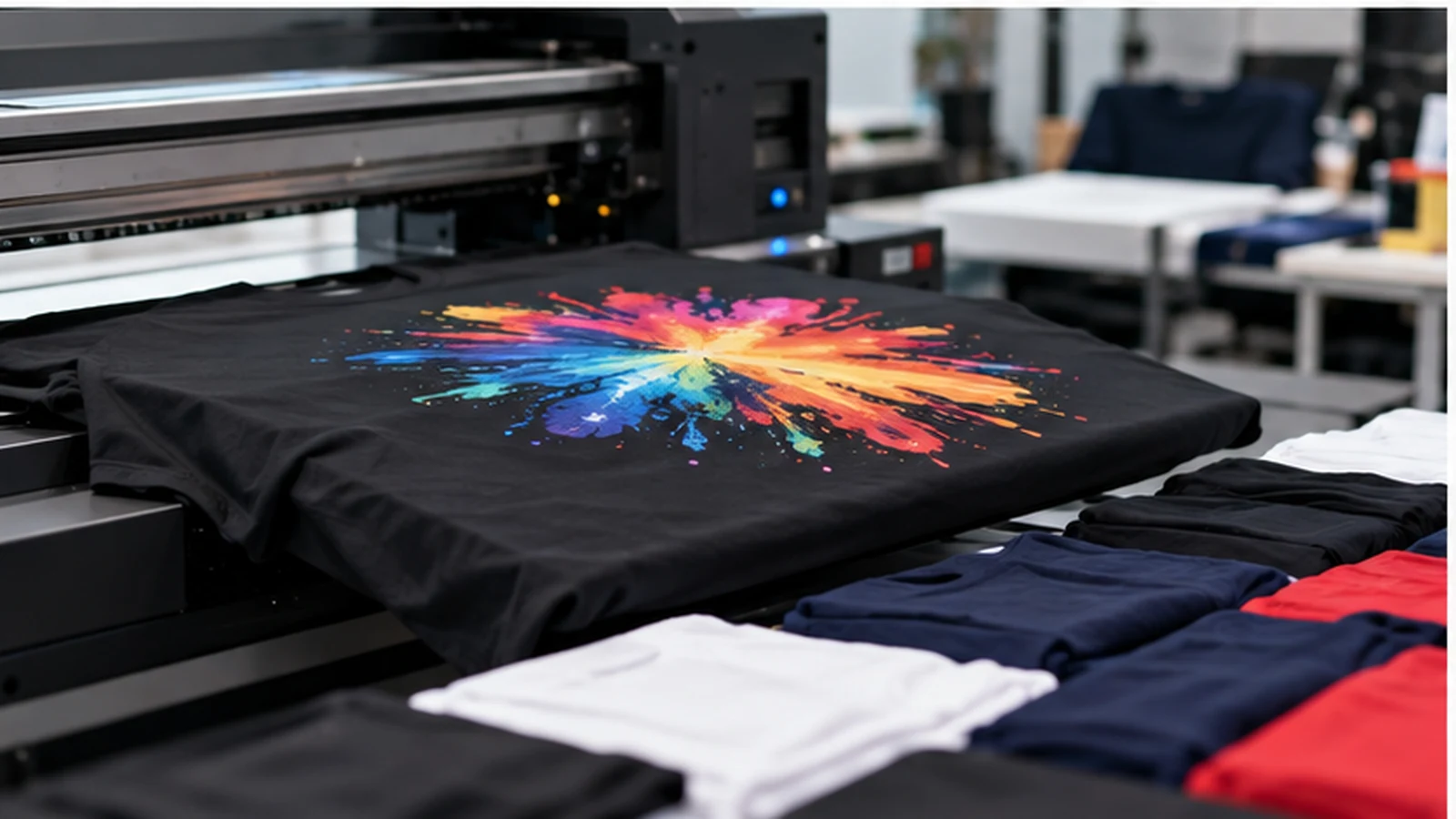
Send Production Information With the File
Send garment colour, print position, approximate width or height and quantity with the artwork. Clean files plus clear production instructions reduce avoidable revisions.
Use the cleanest original artwork available, ideally vector or high-resolution raster at intended print size. Remove unwanted backgrounds and confirm physical print dimensions.
Frequently Asked Questions
What should be decided first?+
Start with the real use case, users and operating conditions before choosing the product or production method.
Should we approve from a screen only?+
Physical samples or proofs are safer when fit, colour, material or finish matters.
Can JCP support related production?+
JCP supports corporate apparel, embroidery, DTF, silkscreen, sublimation, business printing, display materials and selected corporate gifts.
Need Help With Your Next Project?
Tell us your quantity, use case and branding requirements so the practical options can be reviewed together.
Discuss Your Requirements